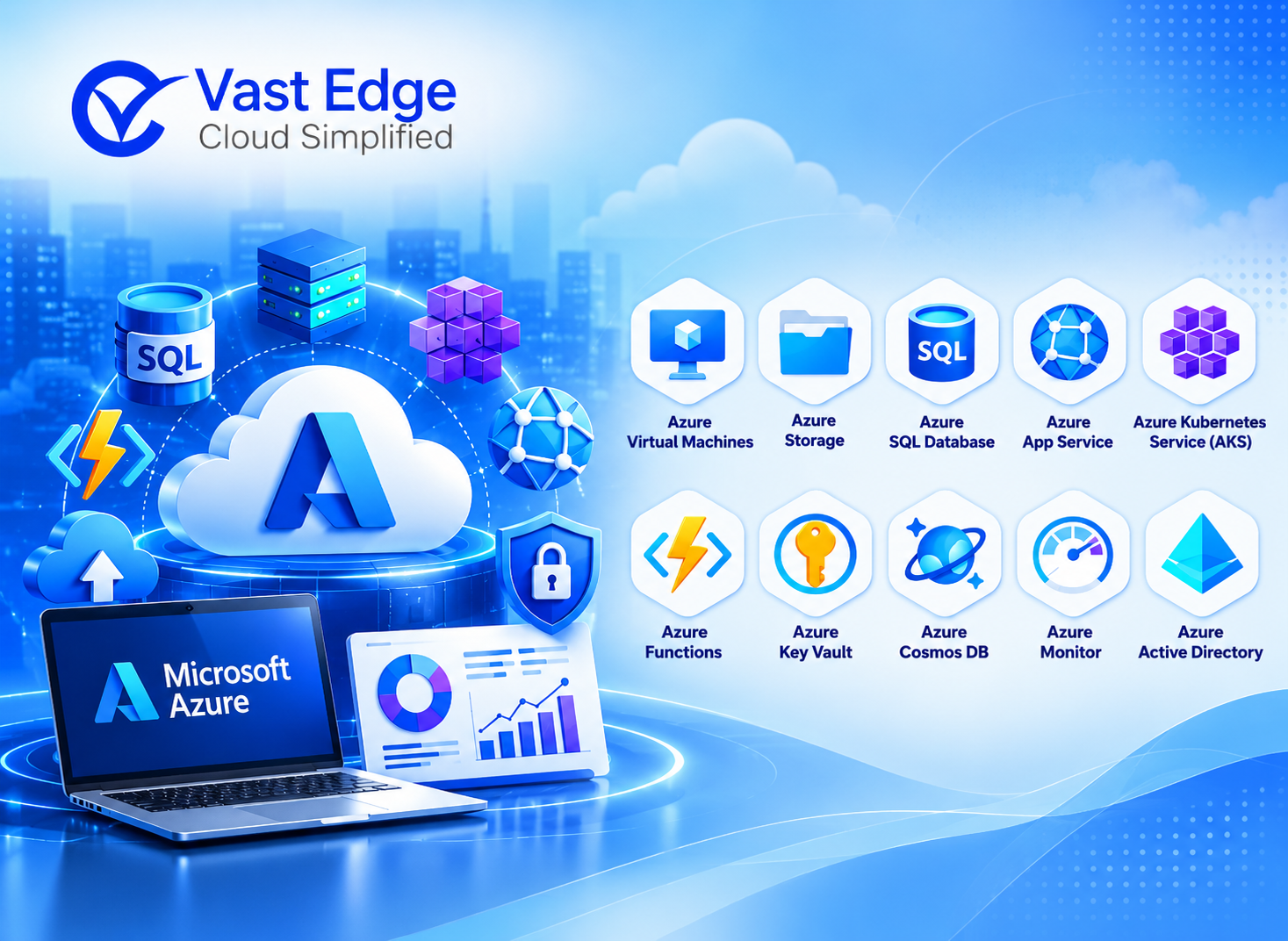
Microsoft Azure includes services for compute, containers, identity, databases, storage, monitoring, integration, DevOps, and AI. The best combination depends on the workload, security model, operating skills, availability requirements, and budget.
This guide explains ten widely used Azure services and the problems they help solve. Microsoft changes product names and capabilities over time, so confirm current details in Microsoft documentation before implementation.
10 Widely Used Microsoft Azure Services
📅 17 Oct 2024
Last Updated • 15 Oct 2026
C
AuthorChloe Gallagher
1. Azure Virtual Machines (VMs)
Azure Virtual Machines remain one of the most popular Azure services in 2024. VMs allow businesses to run various operating systems and workloads in a scalable and flexible cloud environment. Azure VMs support both Windows and Linux operating systems, offering businesses the ability to run legacy applications or deploy new cloud-native workloads with ease.
Key Features
- 01Flexible scaling based on business demand.
- 02Supports a wide range of OS and applications.
- 03Pay-as-you-go pricing model.
- 04Customizable to meet specific performance needs.
Azure Virtual Machines provide on-demand Windows and Linux compute. Teams use them for existing applications, development environments, specialized software, and workloads that need operating-system control. VM designs should include sizing, patching, identity, monitoring, backup, availability, and cost management.
2. Azure Kubernetes Service (AKS)
Azure Kubernetes Service (AKS) is a managed Kubernetes service for deploying and scaling containerized applications. Azure manages parts of the control plane, while the customer remains responsible for application configuration, identities, network controls, workloads, and operational practices.
Key Features
- Fully managed Kubernetes service.
- Integrated with Azure DevOps and CI/CD pipelines.
- Automated upgrades, patching, and scaling.
- Robust security with Azure Active Directory integration.
AKS provides businesses with the tools they need to run modern, scalable applications in the cloud, making it indispensable for development teams using microservices architectures.
3. Microsoft Entra ID
Microsoft Entra ID, formerly Azure Active Directory, provides identity and access management for Microsoft cloud services and connected applications. It supports single sign-on, multifactor authentication, conditional access, and role-based controls. Configure policies around user risk, device state, application sensitivity, and least-privilege access.
Key Features
- 01Multi-factor authentication (MFA) for enhanced security.
- 02Conditional access policies.
- 03Seamless integration with Office 365 and third-party applications.
- 04Role-based access control (RBAC) for granular permissions management.
With the increased focus on cybersecurity and identity protection, organizations rely on Azure AD as part of broader enterprise cloud security frameworks to safeguard critical resources.
4. Azure SQL Database
Azure SQL Database is a fully managed relational database service that supports a wide range of applications. It allows businesses to offload database management tasks such as patching, backups, and scaling, while ensuring high availability and performance. These built-in capabilities support a broader enterprise backup and disaster recovery strategy, ensuring mission-critical workloads remain protected and recoverable during unexpected disruptions.
Key Features
- Automated backups and disaster recovery.
- Built-in AI-driven performance optimization.
- Dynamic scalability to meet workload demands.
- Support for multi-region deployments.
Azure SQL Database continues to be a preferred choice for businesses that need a robust, scalable database solution for transactional, analytical, or IoT applications without the overhead of managing on-premises infrastructure.
5. Azure DevOps
Azure DevOps provides a comprehensive suite of tools for developers to manage the entire software development lifecycle, from planning and coding to building, testing, and deploying applications.
Key Features
- 01Version control with Git and Team Foundation Version Control (TFVC).
- 02Build and release pipelines for continuous integration/continuous delivery (CI/CD).
- 03Agile project management tools for sprints and task tracking.
- 04Integration with GitHub and other development platforms.
Azure DevOps remains a popular choice in 2024 due to its ability to streamline development workflows and its strong integration with other Azure services, enabling faster and more reliable software deployments.
6. Azure Functions
Azure Functions is a serverless computing service that allows businesses to run code without provisioning or managing servers. This service is ideal for event-driven architectures and helps reduce infrastructure complexity.
Key Features
- Pay-per-execution pricing model.
- Supports multiple programming languages (e.g., C#, Python, Java).
- Integration with Azure Logic Apps, Event Grid, and other services.
- Automatic scaling based on demand.
Azure Functions is popular for microservices, API backends, and real-time data processing tasks, allowing developers to focus on code rather than infrastructure management.
7. Azure Blob Storage
Azure Blob Storage is the preferred solution for storing unstructured data such as documents, images, videos, and backups. Its scalability and cost-effectiveness make it ideal for businesses of all sizes.
Key Features
- 01Cost-effective tiers for cold, hot, and archive storage.
- 02Support for large-scale data lakes.
- 03Integrated security features like encryption and access control.
- 04Optimized for high durability and availability.
With the explosion of data in 2024, Azure Blob Storage remains an essential service for managing and storing massive amounts of data, making it a go-to choice for data-driven businesses.
8. Azure Monitor
Azure Monitor provides comprehensive monitoring and analytics capabilities for all Azure resources, helping businesses ensure the health, performance, and security of their applications.
Key Features
- Real-time monitoring and alerts.
- Application performance management (APM) insights.
- Integration with Azure Security Centre and Log Analytics.
- Custom dashboards for in-depth visualization.
In 2024, as more businesses move critical applications to the cloud, the need for continuous monitoring has grown, making Azure Monitor an essential tool for ensuring operational excellence.
9. Azure Logic Apps
Azure Logic Apps is a cloud-based service that enables businesses to automate workflows and integrate various applications, services, and systems. With pre-built connectors and a drag-and-drop interface, Azure Logic Apps simplifies the automation of complex workflows and plays a critical role in broader cloud integration strategies across enterprise systems.
Key Features
- 01Integration with over 300 services, including Office 365, Dynamics 365, and third-party apps.
- 02Support for enterprise integration patterns like B2B and EDI.
- 03Event-driven workflows with seamless integration to Azure services.
- 04Simplifies business process automation.
Azure Logic Apps is widely used in 2024 for creating automated workflows, enabling businesses to increase operational efficiency and reduce manual effort across processes.
10. Azure Cognitive Services
Azure Cognitive Services bring the power of AI and machine learning to applications by providing pre-built APIs for tasks such as natural language processing, image recognition, and sentiment analysis.
Key Features
- Pre-trained models for speech recognition, language translation, and facial recognition.
- Easily integrated with other Azure services and applications.
- Built-in security and compliance.
- Cost-effective for businesses of all sizes.
Azure Cognitive Services is increasingly used in 2024 for enhancing customer experiences, automating processes, and building intelligent applications that require AI-driven insights.
How to choose the right Azure services
Start with the workload and operating requirements, then map services to those needs. Review:
- Application architecture and performance
- Identity, network, encryption, and compliance controls
- Availability, backup, and disaster recovery
- Monitoring, logging, and incident response
- Integration with existing systems
- Team skills and support model
- Expected consumption and cost controls
Keep the list current
Treat this article as an overview, not a product specification. Review Microsoft documentation before design or procurement because service names, features, regions, and pricing can change.
Azure services work best when they are selected as part of a clear architecture rather than as separate tools. A small proof of concept can validate performance, security, integration, and cost assumptions before production rollout. Organizations that need help with governance, operations, and optimization can review Vast Edge’s Azure managed services.Conclusion
Loading...