


NetSuite Integration: Shopify, Salesforce, Jira and More
Last Updated • 23 Oct 2026
C
AuthorChloe Gallagher
What is NetSuite integration?
NetSuite integration connects ERP records with other business applications. It can reduce repeated data entry and help teams use consistent customer, order, and financial information. This guide covers common integration examples and the controls needed to keep data flows reliable.
Start by defining the records, fields, direction, and timing of each data flow. Assign a system of record and an owner for each process. Plan error handling, duplicate prevention, access controls, and recovery before enabling automated updates.
Plan data flows and error handling
E-commerce integration connects storefront activity with ERP processes such as order handling, inventory, and fulfillment. Define the approved data flows before choosing connectors or custom development. Test normal orders, failures, duplicate messages, and updates to existing records.
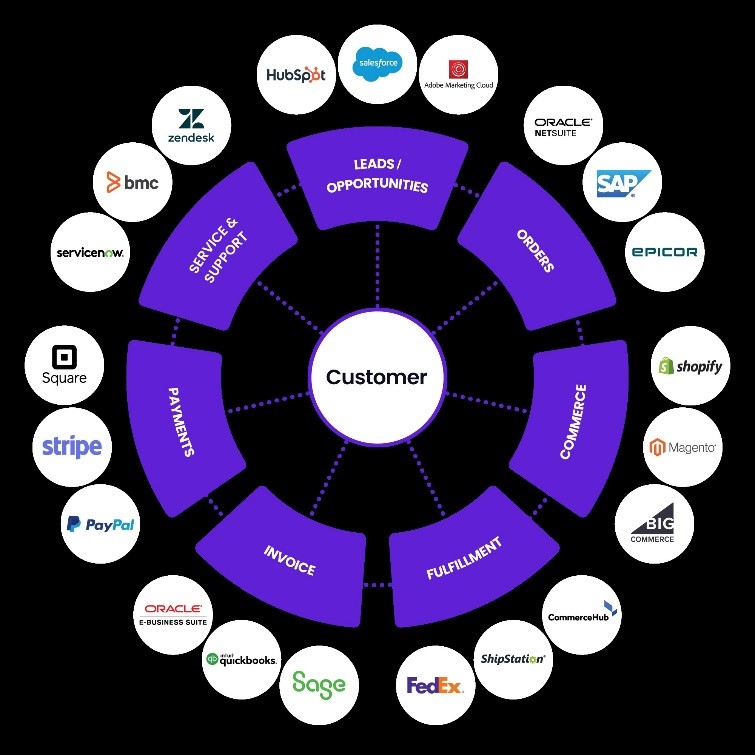
- 1Vast Edge automates the data flow between NetSuite and cloud / on-premise applications with minimal human intervention.
- 2With near real-time cloud ERP data integration, Vast Edge provides a 360-degree view of customer's data and enables businesses to acquire new customers and strengthen relationship with existing ones.
- 3Vast Edge employs standard NetSuite authentication, authorization, session management and encryption methods (in-transit and at-rest) to gain control and enhance security (including M365, Google Workspace, Okta integrations)
- 4Ensures efficient inventory management, demand planning, complete error handling with alerts, and simplifies order fulfilment process with rules based partial allocation that incorporates on hand, in transit, credit approvals, to increase customer happiness score.
- 5In addition to strong security protocols, Vast Edge also emphasizes the importance of implementing a NetSuite backup policy to ensure data protection and business continuity. A well-defined backup policy helps safeguard critical ERP data against accidental loss, corruption, or unexpected outages. By aligning your NetSuite backup strategy with industry best practices, Vast Edge enables businesses to maintain compliance, minimize downtime, and recover essential information swiftly when needed.
Vast Edge helps teams plan and implement NetSuite integrations around their business workflows. Define the applications, mappings, support responsibilities, and acceptance criteria before implementation. Confirm the required service scope with the project team.
NetSuite integration examples
Shopify and NetSuite
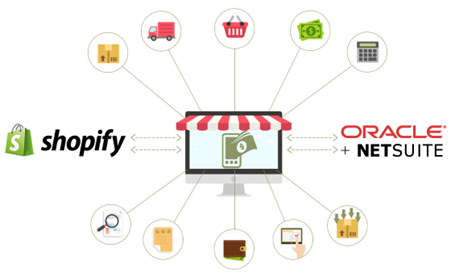
Shopify and NetSuite can exchange order, customer, inventory, and shipping information through a configured integration. Define the owner of each field and the synchronization schedule. Test refunds, partial fulfillment, and failed updates before relying on the workflow.
Salesforce and NetSuite
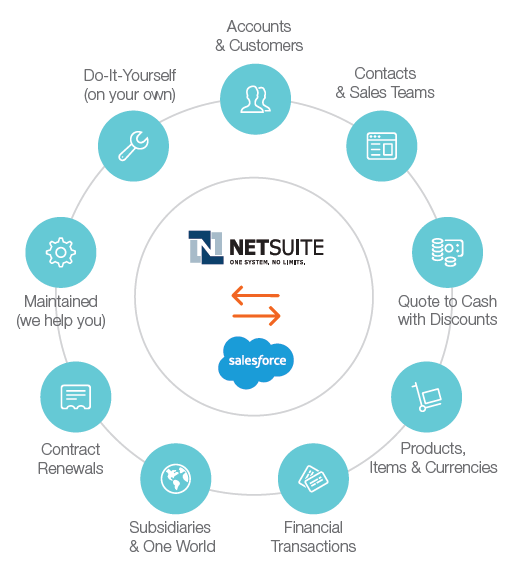
Salesforce and NetSuite integrations connect CRM activity with ERP records. The selected design may exchange accounts, contacts, orders, invoices, or payment status. Confirm supported objects, field mappings, access, and update timing for the chosen connector or middleware.
HubSpot and NetSuite
HubSpot and NetSuite integration can connect customer and sales information across marketing and ERP workflows. Define which records move in each direction and how custom fields map. Confirm supported objects and conflict rules for the selected implementation.
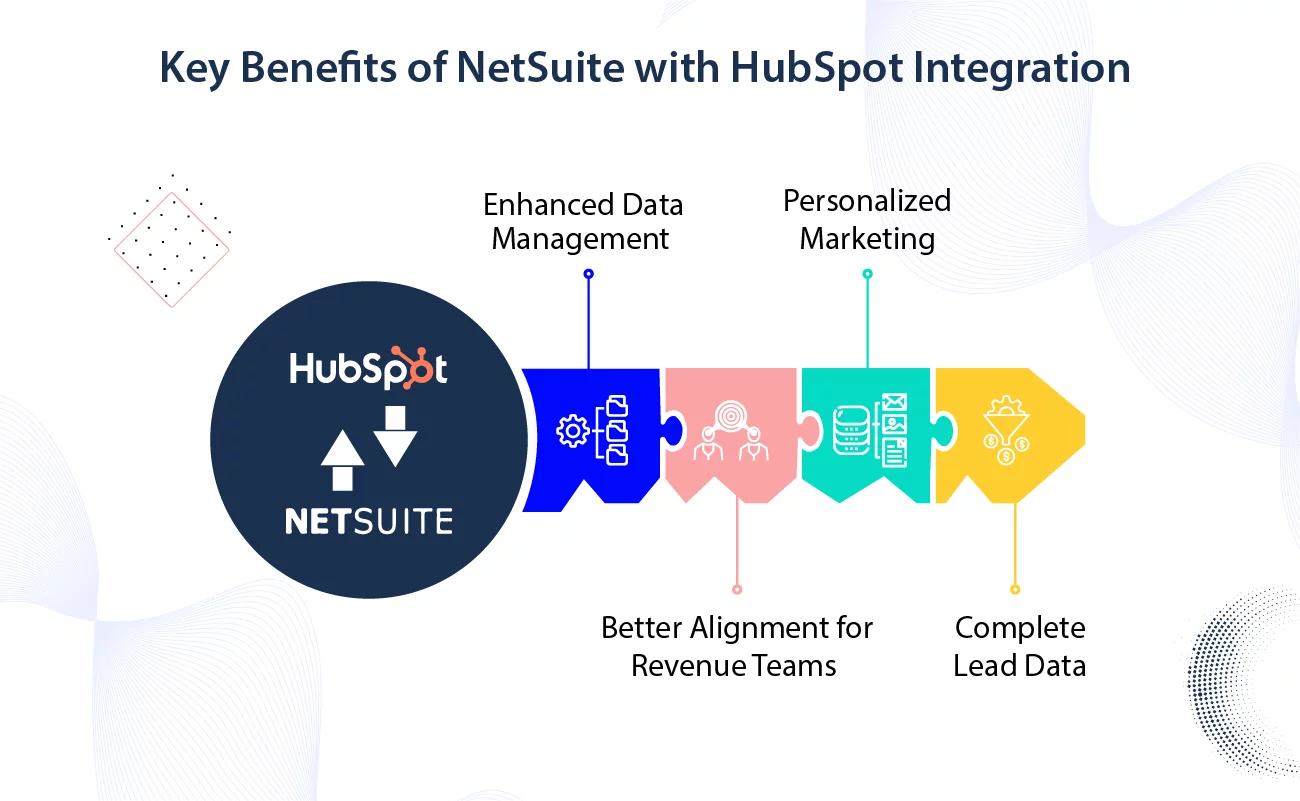
Use approved mappings to connect relevant customer, company, and deal information with NetSuite processes. Test record creation and updates separately. Treat order creation, revenue attribution, and embedded views as implementation-specific capabilities that must be validated.
Jira and NetSuite
Vast Edge simplifies seamless data integration between Jira and NetSuite with robust features that streamline both one-way and two-way synchronization. Its flexible import capabilities enable data filtering, advanced transformations, and bidirectional data loading without duplicates, thanks to its UPSERT operation. Vast Edge tracks and applies only necessary incremental changes during periodic syncs, avoiding redundant data loads and ensuring efficient operations. With powerful mapping tools, it effortlessly aligns different data structures, supports incremental imports for new and updated records, and handles mass updates or deletions using comprehensive DML operations, delivering a flexible and reliable solution for your data management needs.
Beneath Jira and NetSuite
A Jira NetSuite integration needs a defined business workflow before connector selection. Specify which events trigger an update, which records are involved, and which system owns each field. Test permissions, duplicate handling, failures, and reconciliation using the chosen implementation.
Microsoft 365 and NetSuite
Connecting NetSuite with Microsoft 365 can support document workflows around ERP records. Start by defining document ownership, access, and version handling. Confirm the applications and record types supported by the selected integration.
Test document creation, editing, permissions, and synchronization before rollout. Record how conflicts and failed updates are handled. Automatic synchronization should be described only for the workflows demonstrated in the actual implementation.
Validate and monitor your integrations
Validate the integration with representative records before enabling production writes. Confirm field mappings, permissions, duplicate checks, error alerts, and recovery steps. Assign an owner to investigate failed updates and reconcile differences between systems.
Loading...