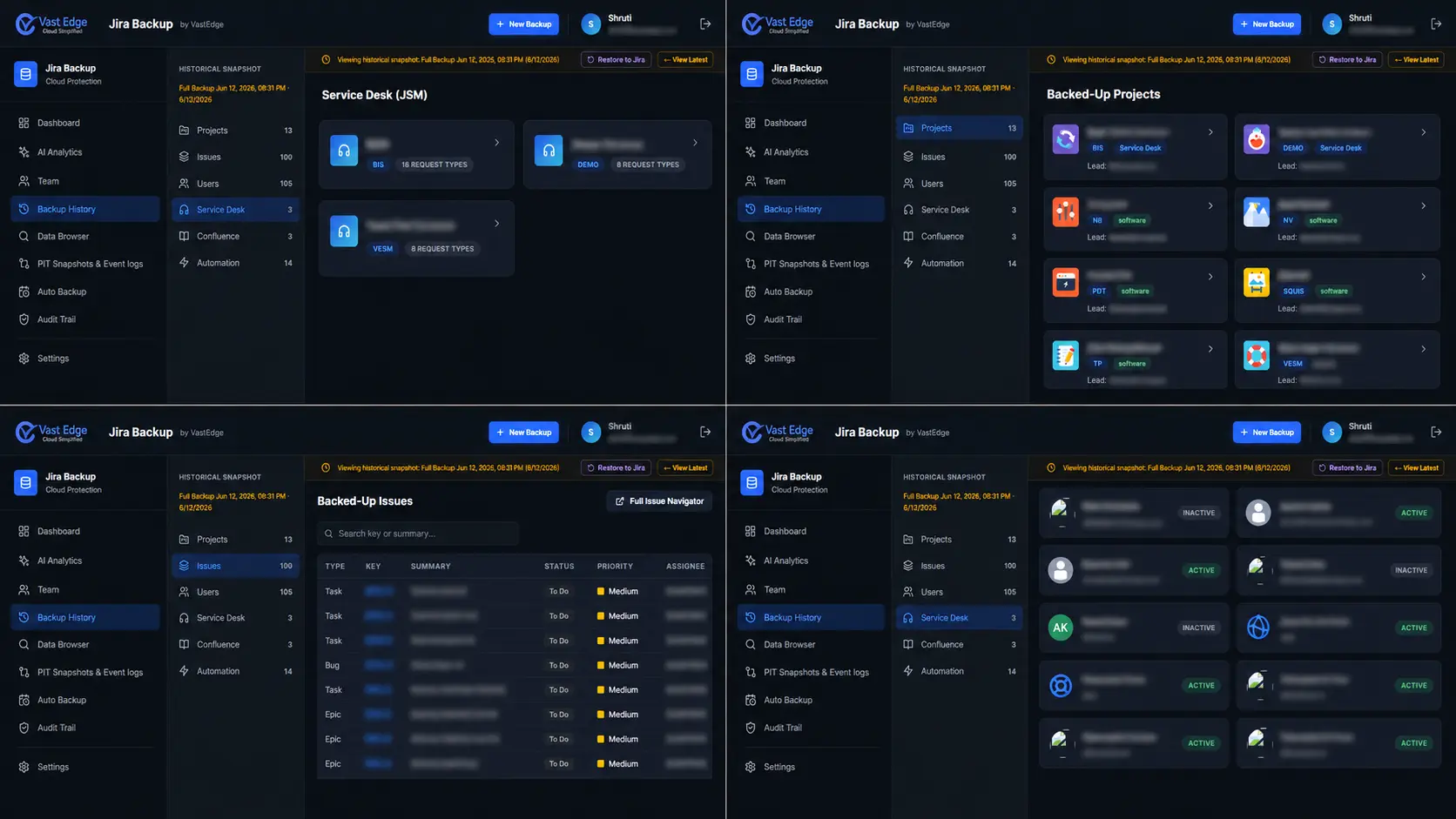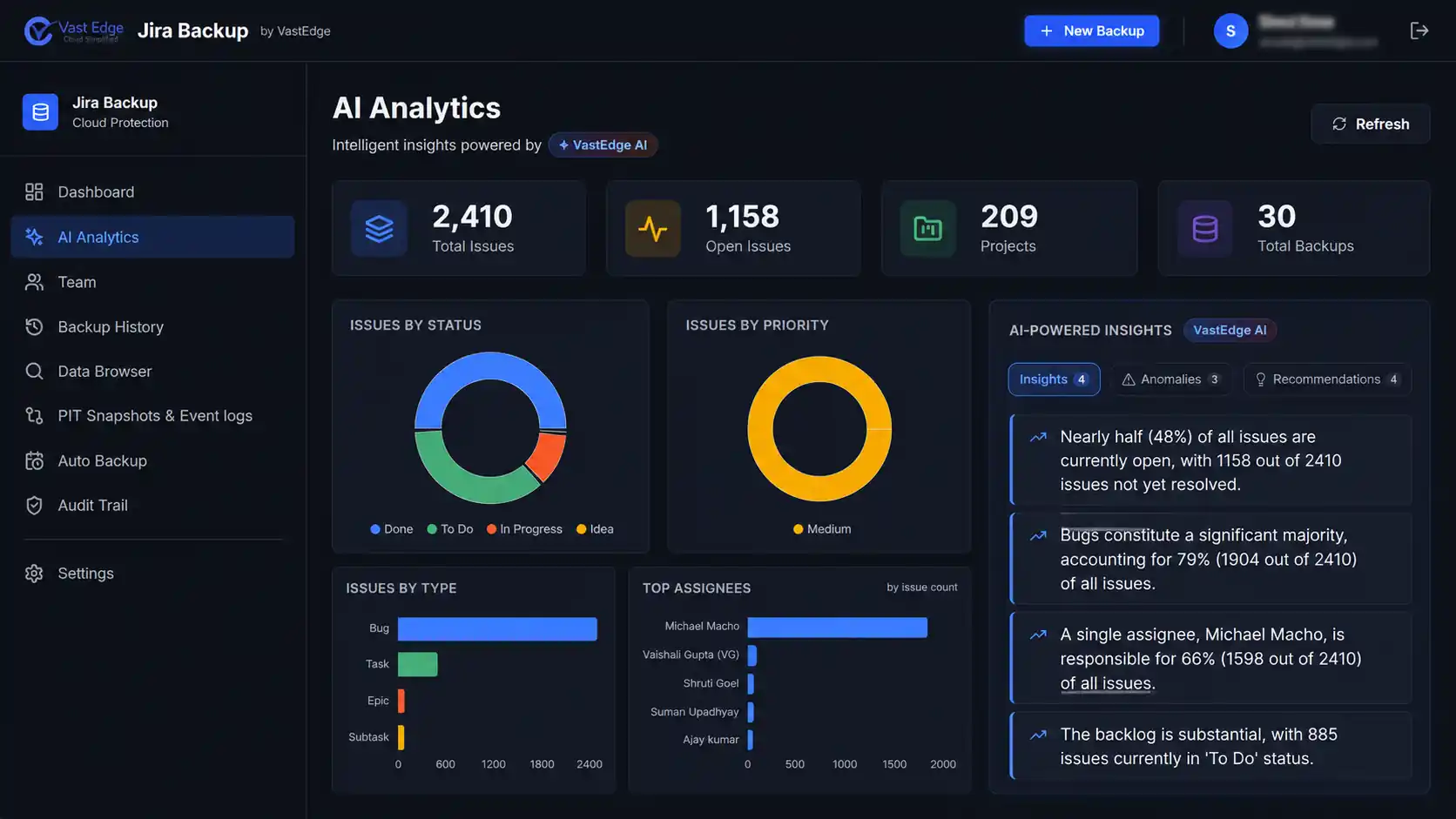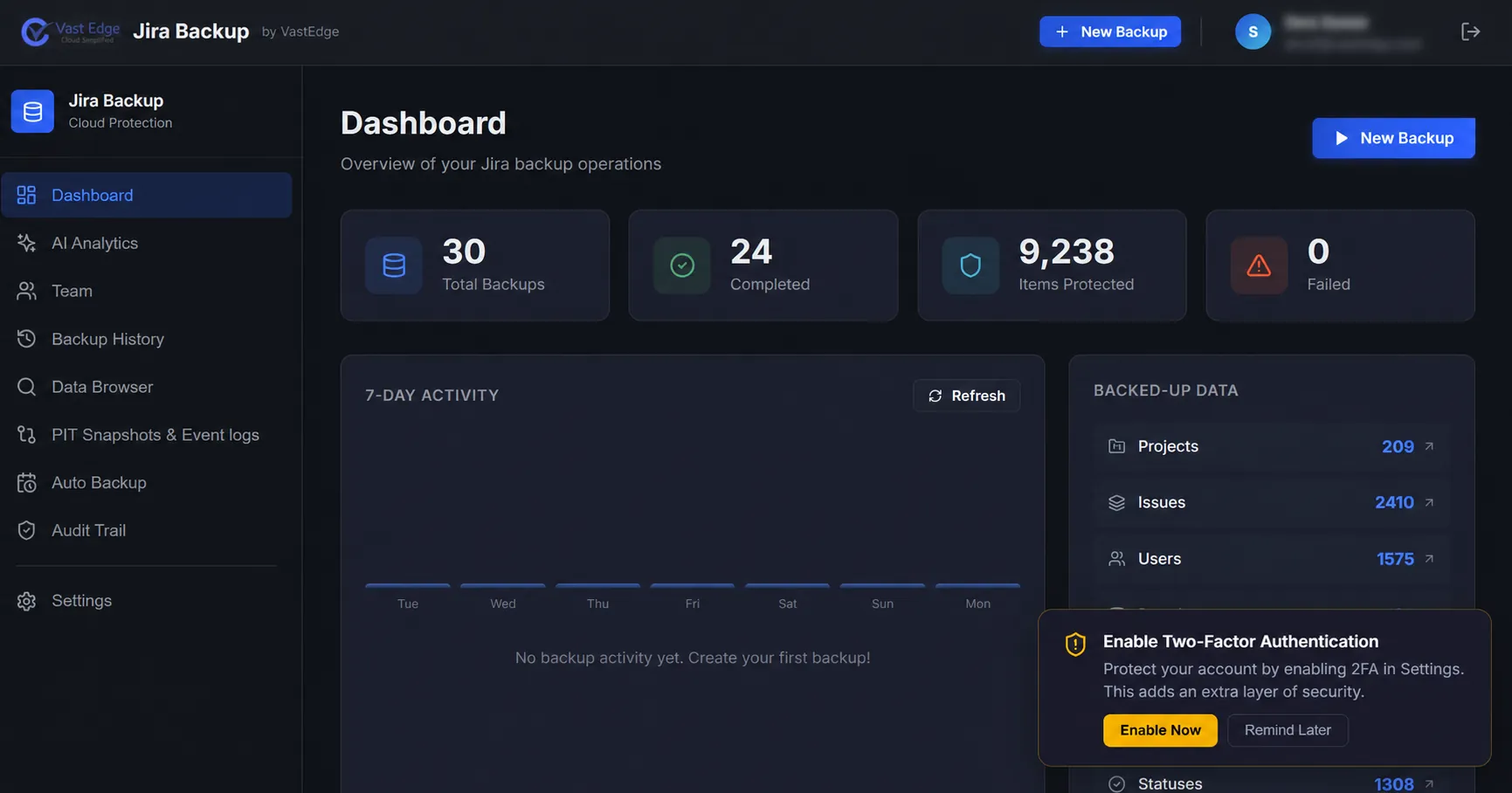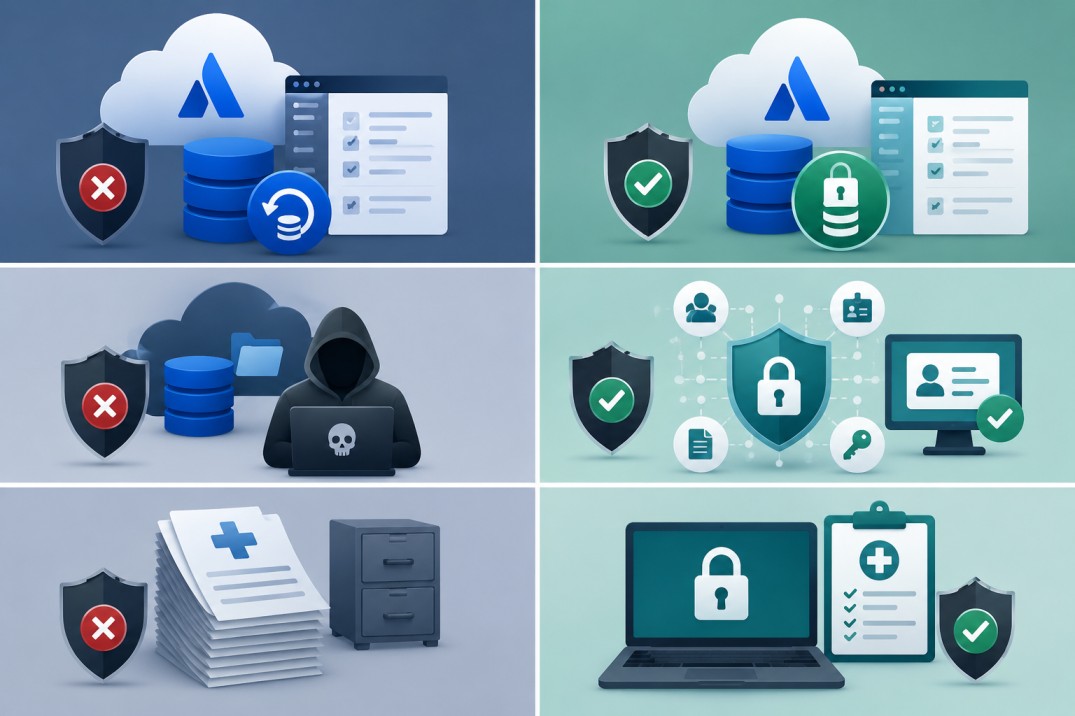










The success of a project often depends on the information stored within the project management system.
This data can include past Jira issues, projects, bugs, comments, and timelines—providing teams with valuable insights from previous experiences to drive informed decision-making.
However, losing this critical information can have far-reaching consequences across the organization. Without historical data, teams may struggle to grasp the context of ongoing projects, increasing the likelihood of errors, confusion, and delays.
To prevent such risks, regularly backing up the project management system, such as Jira Cloud, should be a top priority.
Trusted by Global Brands
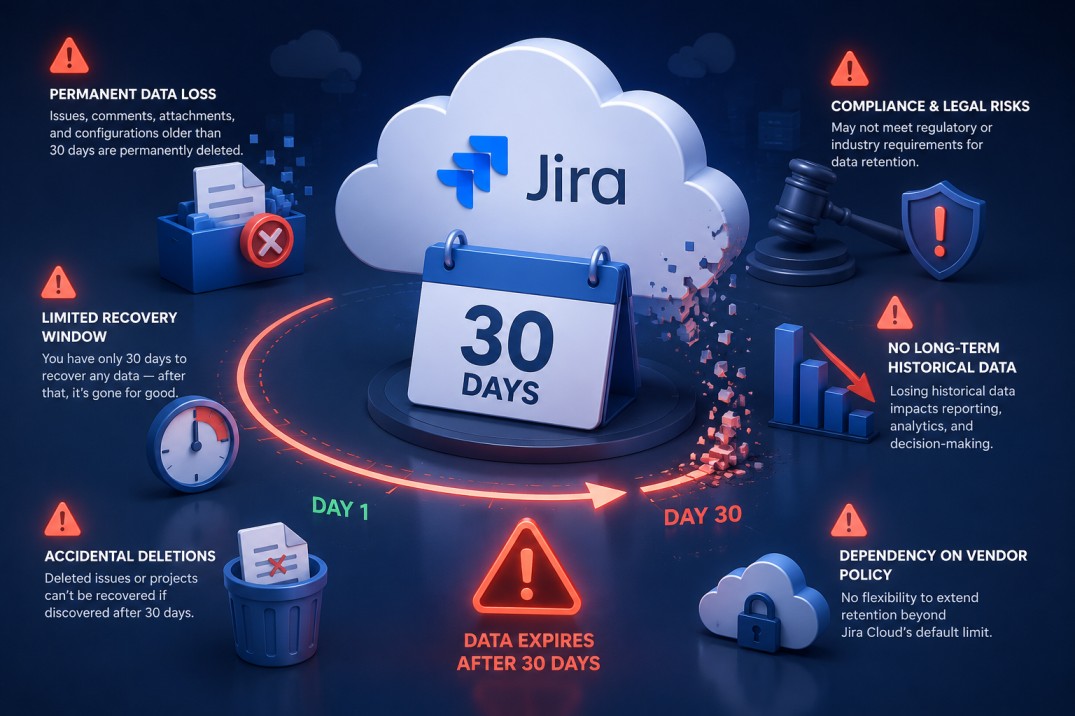
Why Backup Jira?
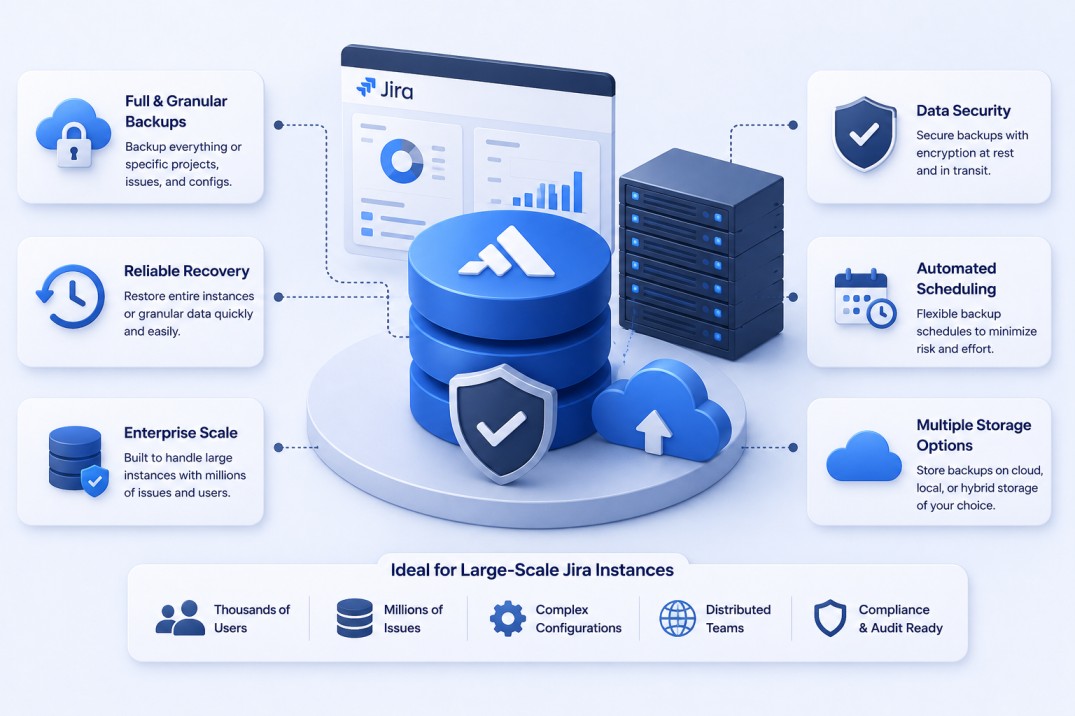
Our Backup Solution Features
- 1Automated Daily Backups
Set it once, and rest assured knowing your data is backed up automatically every day. - 2Full and Incremental Backups: Optimize storage and ensure efficient data recovery.
- 3Multiple Storage Options: Store backups on cloud (AWS, Azure, Google Cloud) or on-premises.
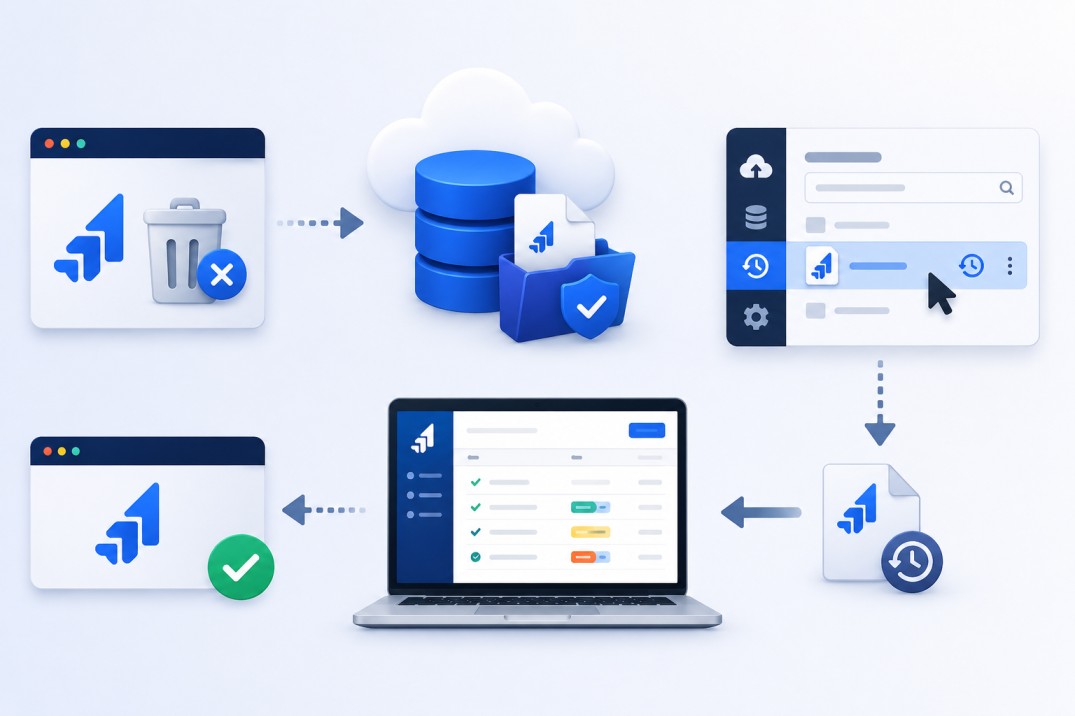
- 4Disaster Recovery: Quick restoration with minimal downtime.
- 5Fast & Scalable Backup
Efficiently handle large data volumes, with backup speed optimized by Jira’s API capabilities. - 6Flexible Manual Backup
Perform backups whenever needed—perfect for safeguarding data before imports or bulk updates.
Retention Policies
Regulatory Compliance Support
Integration with Other Tools
Vast Edge’s JIRA backup solution integrates seamlessly with multiple platforms and tools to enhance productivity and accessibility.
Supported Integrations:
- 1Cloud Storage Platforms
- 2CI/CD Pipelines
- 3Monitoring and Logging Tools
- 4Project Management & Collaboration Tools
- 5Identity & Access Management
FAQs
Frequently asked questions
Q1. Is the data encrypted?
Yes, the data is encrypted using customer-managed encryption keys.
Q2. Do we get an option to select the cloud?
Yes, Vast Edge supports backup on Google Cloud (GCP), Amazon Web Services (AWS), and Microsoft Azure.
Q3. Does the backup include custom fields?
Yes, custom fields can be included in the backup solution, especially in higher-tier plans.
Q4. How often is the data backed up?
Data is backed up daily, with options for more frequent backups in advanced plans.
Q5. How long can the data be retained?
Data can be retained for up to 7 years, based on your selected retention policy.
Q6. Can I opt for an immutable backup?
Yes, Vast Edge provides an option for immutable backups to prevent data tampering or deletion.
Q7. How long does it take to back up the entire environment?
Backup time depends on data size—initial backups may take several hours, while subsequent incremental backups are significantly faster.
Q8. Does the backup include File Cabinet folders?
Yes, the backup includes File Cabinet folders.