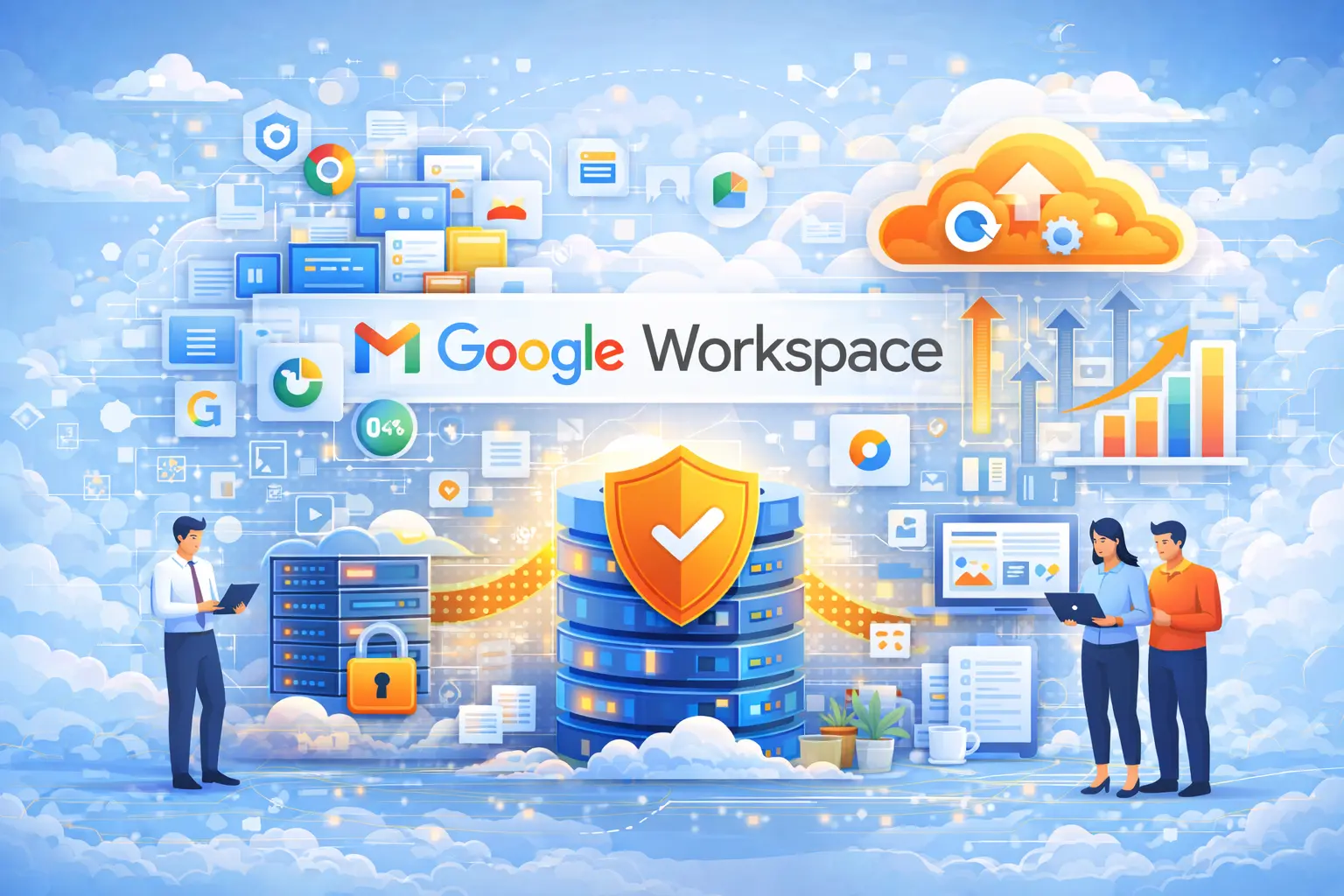











About Google Workspace Backup

Google Workspace powers modern collaboration, holding emails, files, chats, and documents that define the daily flow of business. While Google’s native recovery tools cover basic protection, they don’t guard against internal errors, accidental deletions, or policy misconfigurations. Once data is permanently removed, even Google support can’t always restore it.

Vast Edge for Google Workspace is built to close that gap. It continuously backs up Gmail, Drive, Calendar, Contacts, and Shared Drives to give your organization complete visibility and control over every record. You can instantly search, preview, and restore items through an interface designed for clarity and speed.

From startups to enterprises, teams rely on our solution to recover from human errors, ransomware, or misapplied retention settings that native tools miss. With Vast Edge, every Google file, message, and event stays safe, traceable, and recoverable.


What’s Included in Your Backup?

Each backup is automatically validated for completeness and stored with strong encryption.
Whether you need to recover a single email or a full organization’s data, restoration is instant and transparent.

1. Gmail messages, attachments, and labels
2. Google Drive files and Shared Drives
3. Calendar events and meeting details
4. Contacts and group lists
5. Google Chat conversations and attachments
6. User and group permissions
7. Activity logs and version histories


Does Google Recommend Having An External Backup?

Yes. Google’s own documentation clarifies that users are responsible for protecting their data beyond Google’s internal redundancy systems.
Deleted items, user mistakes, and malicious activity are not covered once retention periods expire.

Organizations choose external backups for three main reasons:
1. Permanent Deletion Risks: Once a file or mailbox is purged from the recycle bin or retention policy, it’s gone for good unless a third-party backup exists.
2. Human Errors, Insider Mistakes: Admins and users can unintentionally remove shared data or overwrite key information. An external backup ensures recovery in minutes.
3. Compliance and Accountability: Many businesses require independent data copies for legal holds, audits, and retention policies that exceed Google’s default timelines.

By using Vast Edge alongside Google Workspace, companies maintain complete control over their business data without compromising speed, security, or convenience.


Features Of Your Google Workspace Backup


Advantages of Google Workspace Backup & Recovery

Protection Against Data Loss
Human error: Easily recover files accidentally deleted by users.
Malicious activity: Restore data lost due to insider threats or external attacks (e.g., ransomware, phishing).
App overwrites: Prevent data loss from third-party app integrations that may unintentionally overwrite or delete information.
Granular Recovery Options
Restore individual files, folders, emails, calendar events, or contacts — not just entire accounts.
Time-based or point-in-time recovery helps roll back to a specific version or state.
Retention Beyond Google’s Limits
Google deletes data from Trash after 30 days (Drive, Gmail).
Backup solutions can store data indefinitely or according to your custom retention policies, helping with compliance.
Legal & Regulatory Compliance
Helps meet standards like HIPAA, GDPR, FINRA, SOX, etc.

Supports legal holds and eDiscovery by preserving emails and files even if users delete them.
Faster Recovery Time (RTO)
Most backup solutions offer faster search and restore interfaces than native Google tools.
Minimizes business downtime after accidental or malicious deletion.
Protection During Offboarding
Keep ex-employee data without paying for a full Google Workspace license.
Archive user data safely even after their account is deleted from Google.
Centralized Management
Admin dashboards for viewing, searching, and managing all backups across Gmail, Drive, Calendar, Contacts, and Shared Drives.
Role-based access control (RBAC) for delegation and audit trails.
Automated & Incremental Backups
Scheduled backups run automatically — no manual work required.
Incremental backups save bandwidth and storage by only backing up changes.
Ransomware Recovery
Roll back to clean versions of files and emails before infection.
Some solutions offer anomaly detection or alerting for unusual deletions or changes.
Third-party Platform Independence
You aren’t reliant solely on Google’s uptime or ecosystem — your data is stored independently, often with options to export to other platforms.

ABOUT VAST EDGE

For more than two decades, Vast Edge has served Fortune 500 enterprises across finance, manufacturing, telecom, and healthcare. Our expertise in AI driven migration, analytics, and security enables these organizations to scale with confidence while meeting the highest compliance standards.
We partner closely with CIOs, architects, and transformation teams to design hybrid environments that unify legacy systems with cloud-native AI services.

QUICK LINKS

TECHNOLOGY PARTNERS

CONTACT US

Copyrights © December 3 , 2025 All Rights Reserved by Vast Edge Inc.