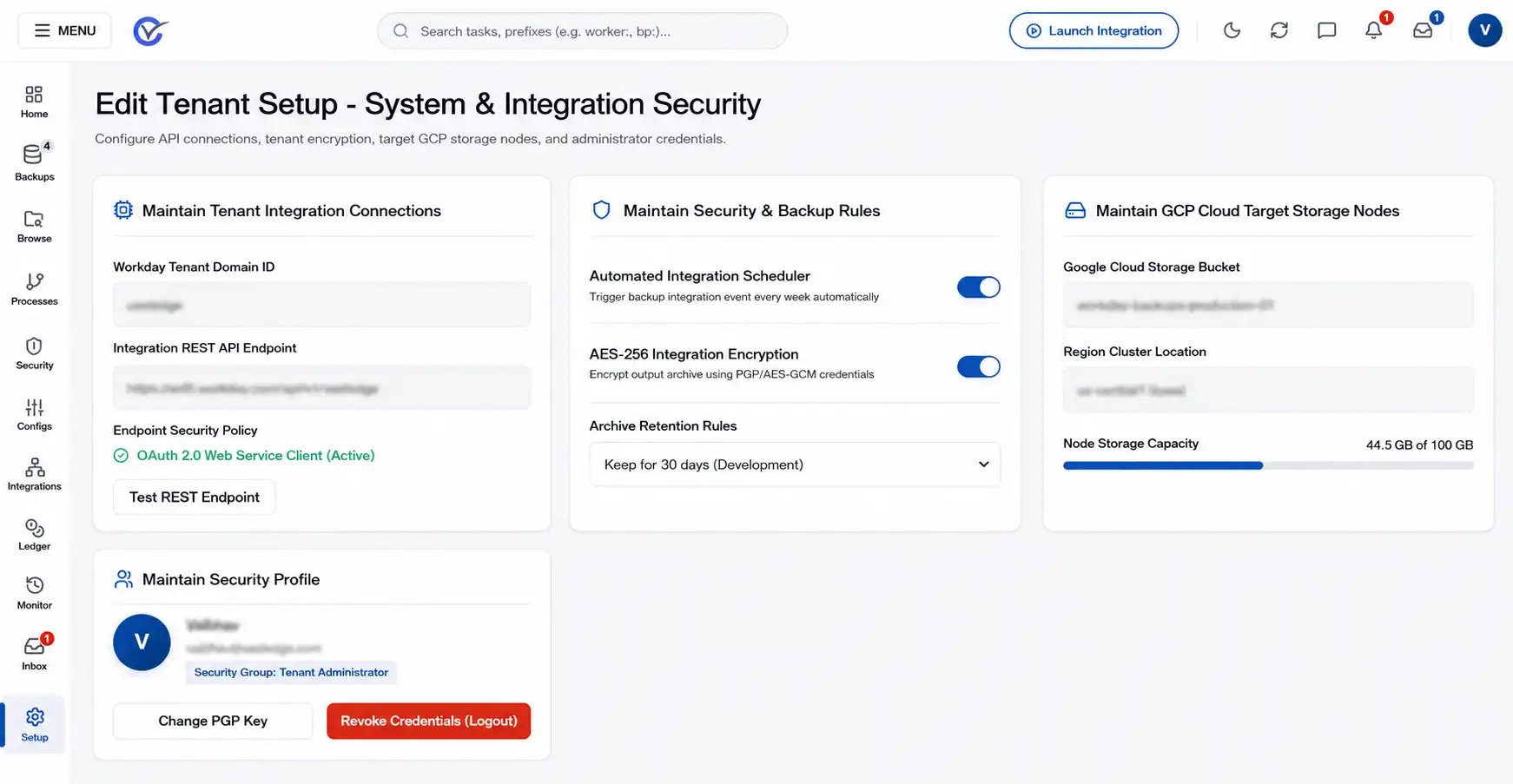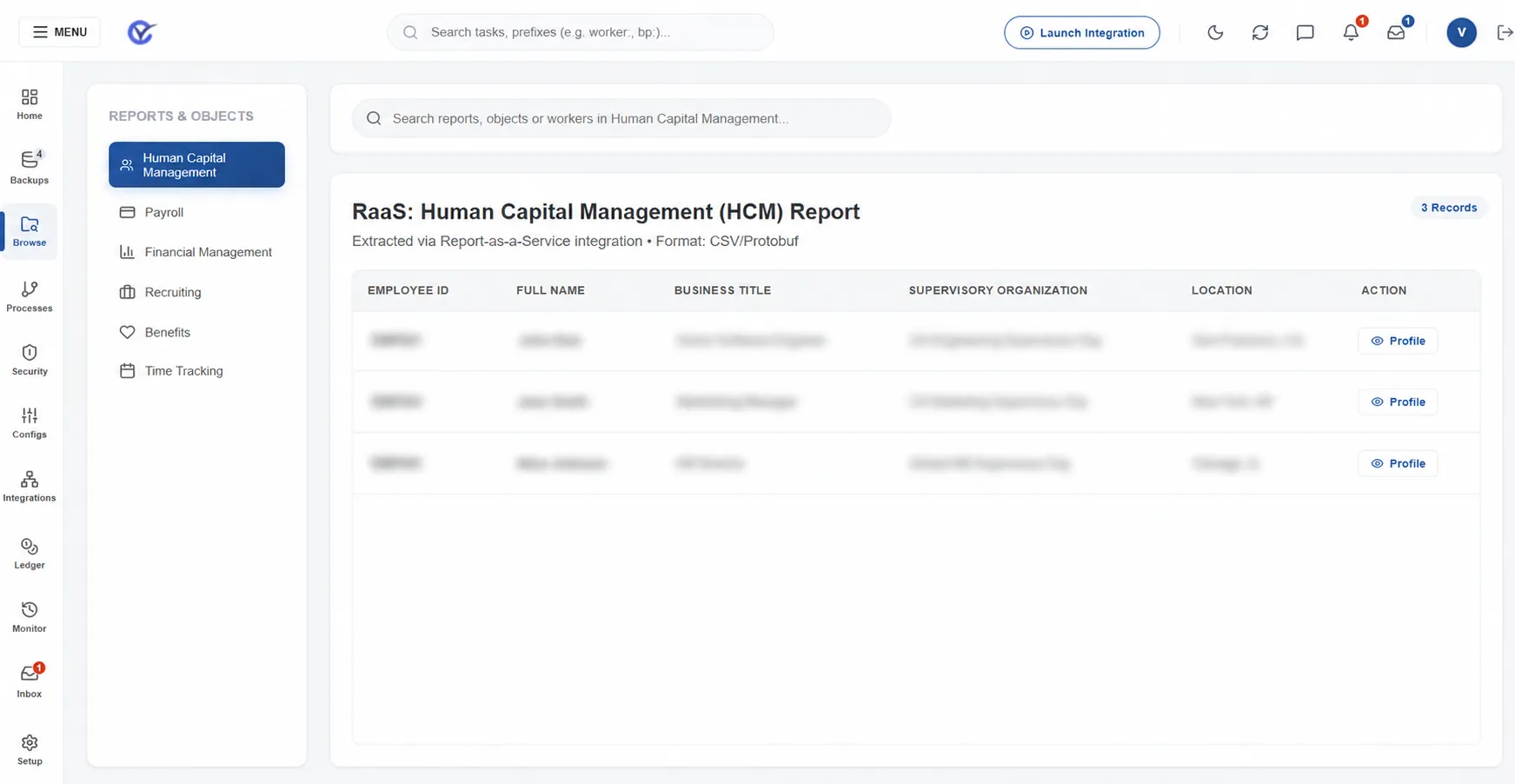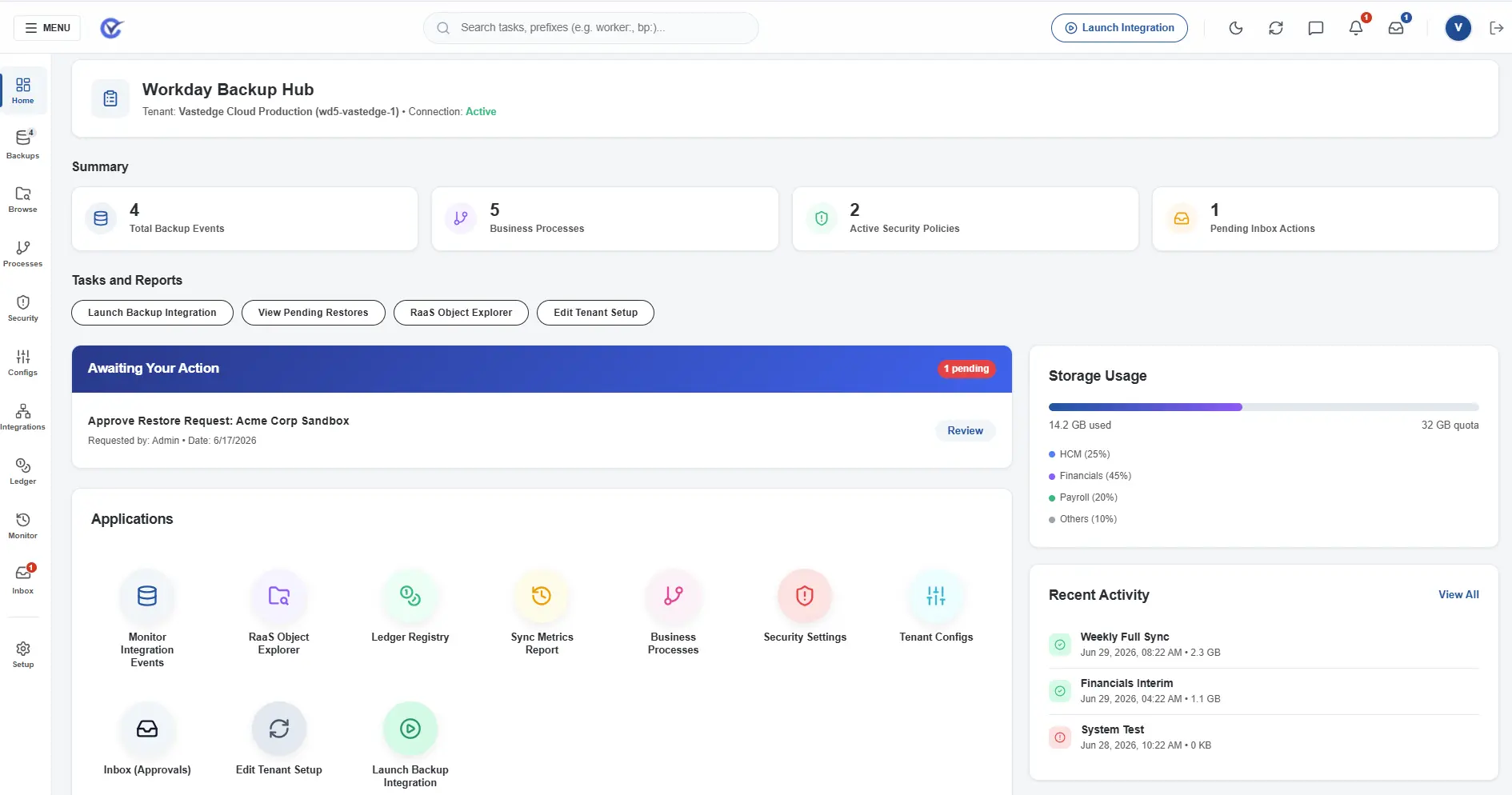










Workday® is a powerful cloud-based platform used by many organizations to manage their human resources, finances, and other core functions. However, like any system, Workday® is not immune to issues arising from human error, data input mistakes, or unintended changes. Vast Edge is here to provide you with a customized backup strategy and ongoing support, ensuring your Workday® environment is always secure and fully protected!

Workday Backup and DR
Trusted by Global Brands
Why Do You Need a Workday Backup?
Revert Unwanted Changes
Safeguard Testing Environments
Challenges with Workday Backup: While backups are critical, there are several limitations within Workday that make managing them more complex:
Limited Backup Exports
Only users with the implementer role can export tenants, and only certain tenants like Gold and Implementation tenants can be exported.
Sandbox and Production Restrictions
Exports from your Sandbox and Production tenants are not allowed, requiring a formal request to Workday® for production backups.
Backup Frequency Limits
Only five backups are allowed within a three-week period, and backups older than three weeks are automatically deleted.
How Vast Edge Can Help?
FAQs
Frequently asked questions
Q1. Is the data encrypted?
Yes, the data is encrypted using customer-managed encryption keys.
Q2. Do we get an option to select the cloud?
Yes, Vast Edge supports backup on Google Cloud (GCP), Amazon Web Services (AWS), and Microsoft Azure.
Q3. Does the backup include custom fields?
Yes, custom fields can be included in the backup solution, especially in higher-tier plans.
Q4. How often is the data backed up?
Data is backed up daily, with options for more frequent backups in advanced plans.
Q5. How long can the data be retained?
Data can be retained for up to 7 years, based on your selected retention policy.
Q6. Can I opt for an immutable backup?
Yes, Vast Edge provides an option for immutable backups to prevent data tampering or deletion.
Q7. How long does it take to back up the entire environment?
Backup time depends on data size—initial backups may take several hours, while subsequent incremental backups are significantly faster.
Q8. Does the backup include File Cabinet folders?
Yes, the backup includes File Cabinet folders.