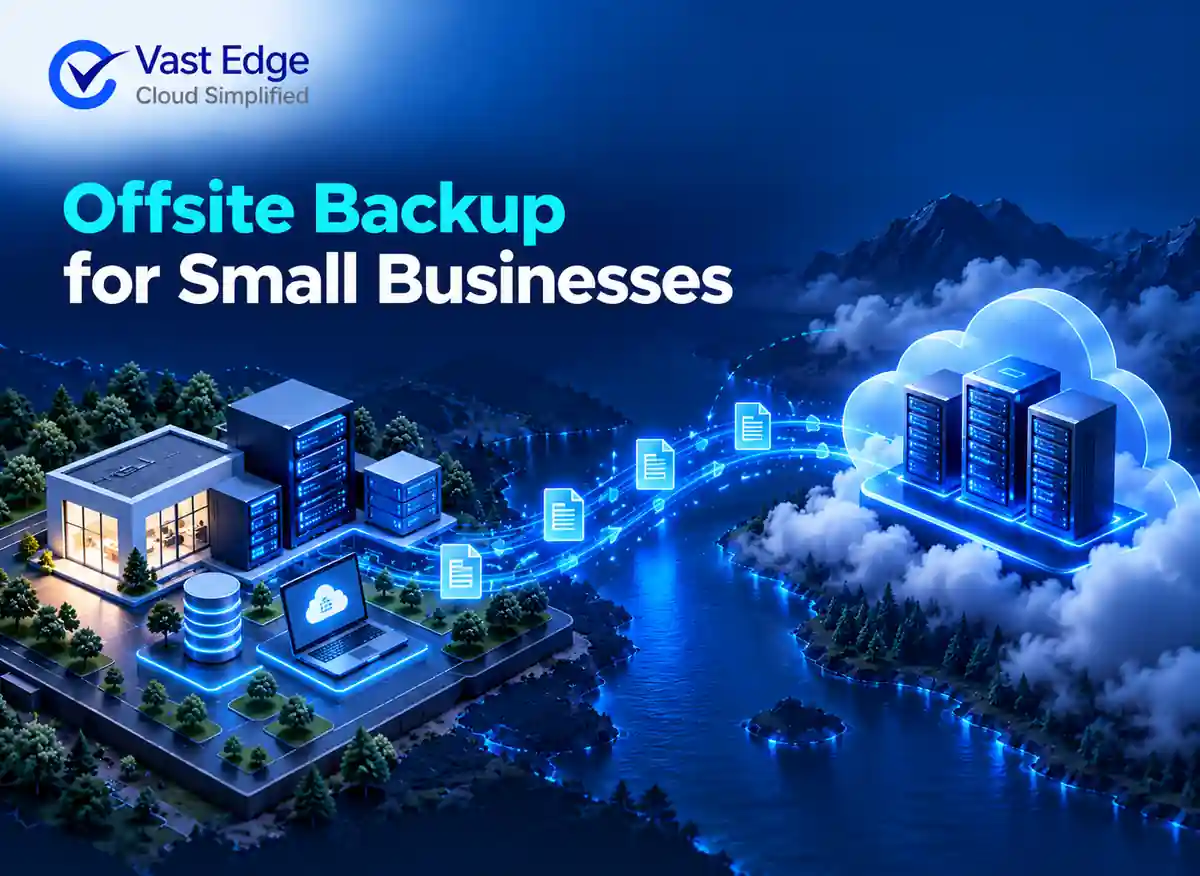
Offsite backup keeps a recoverable copy of business data outside the primary location and outside the same immediate failure domain. The copy may be stored in a separate cloud account, another region, a managed backup platform or a physical site. The important point is independence: a local outage, account compromise or equipment failure should not remove both the working data and its recovery copy.
For a small business, the most reliable choice is usually the option that protects the applications the team actually uses, fits the recovery deadline and can be tested without specialist staff. Price matters, but low storage cost does not prove that files, records, permissions and relationships can be restored correctly.
Offsite Backup for Small Businesses: Options and Evaluation Checklist
Published • 29 Sept 2026
C
AuthorChloe Gallagher
What Is Offsite Backup for a Small Business?
Start With the Recovery Outcome
List the systems that would stop sales, service, finance or payroll if data disappeared. Include SaaS applications, shared drives, databases, email and any local servers. The small-business backup planning guide provides a broader ten-step inventory process; this guide concentrates on selecting and validating the offsite copy.
For each workload, define two practical targets. The recovery point objective states how much recent data the business can afford to lose. The recovery time objective states how long the business can operate without the system. A daily copy may be sufficient for a low-change archive, while a frequently updated operational system may need shorter intervals.
Four Offsite Backup Approaches
- 01Cloud storage with a managed backup application
A backup application captures data, applies schedules and retention rules, then writes protected copies to cloud storage. This can be efficient when one console covers several workloads. Confirm who controls encryption keys, whether storage is isolated from production credentials and how restores are initiated. - 02SaaS application backup
A purpose-built service can protect records, attachments, metadata and relationships from a cloud application. This is different from downloading occasional flat files. Evaluate whether the service can search recovery points, restore selected objects and preserve dependencies. For context, see how Salesforce data backup methods differ in recovery depth. - 03Managed backup service
A managed provider may monitor jobs, investigate failures and assist with recovery. This helps small teams without a dedicated backup administrator. The service agreement should still identify protected systems, response responsibilities, retention, restore scope and the process for exporting data if the relationship ends. - 04Offline or removable copies
Encrypted removable media can add separation for selected archives, but it requires disciplined rotation, physical protection and documented ownership. It is rarely the only appropriate method for frequently changing SaaS data. It can, however, complement an online recovery layer.
Evaluation Checklist
Use the same checklist for every option so a low headline price does not hide missing recovery capability.
- Coverage: Does the service protect records, files, attachments, configurations and relationships required to operate?
- Separation: Are copies isolated by account, credentials, region or storage controls from the production system?
- Frequency: Can the schedule meet the recovery point objective for each critical workload?
- Retention: Can the business keep daily, monthly or long-term recovery points for operational and regulatory needs?
- Granular recovery: Can one item, folder, record or project be restored without replacing unaffected data?
- Restore destination: Can recovery go to the original system, a clean environment or an export for validation?
- Monitoring: Who receives job failures, storage warnings and recovery alerts?
- Portability: Can the business retrieve usable backup data and logs if it changes providers?
- Testing: Can administrators run documented restore tests without disrupting production?
How to Compare Cost Without Missing Risk
Compare total protected data, number of users or applications, retention duration, storage growth, restore charges, support level and contract terms. A storage-based plan may suit a business with many users and modest data. A per-user plan may be easier to forecast when data volumes vary. Neither model is automatically cheaper.
Separate backup cost from downtime exposure. A less expensive plan that only exports files may create manual work when records must be rebuilt with their relationships. Ask the provider to demonstrate the recovery path for one realistic incident before making a decision.
Test the Copy Before Depending on It
A successful job notification only proves that a process ran. It does not prove that the copy is complete or usable. Select a representative file, record set or application object, restore it to a safe target and verify content, ownership, timestamps, relationships and permissions.
Record the elapsed time, manual steps, errors and people involved. Repeat the test after major application changes and on a schedule based on business risk. The broader backup and disaster recovery guide explains how restore testing connects to business continuity.
Common Warning Signs
- The backup uses the same credentials and administrative account as production.
- The proposal names storage capacity but does not define restore scope.
- Retention is described as unlimited without explaining deletion rules or contractual limits.
- No one owns failed-job alerts or periodic restore tests.
- Data can be downloaded only in a format that cannot recreate relationships or configurations.
Small businesses should document these answers before choosing an offsite backup approach. For a broader view of SaaS data recovery, connect the offsite copy to application-level recovery, incident ownership and continuity planning.
Offsite Backup Decision Summary
Choose the simplest option that creates genuine separation, covers the data needed to resume work and supports a tested restore within the required time. Document coverage, frequency, retention, access and recovery ownership. Then test one realistic scenario before treating the backup as operational protection.
Need a practical way to protect business applications and recover them after deletion, corruption or disruption? Explore Vast Edge backup and disaster recovery solutions for managed protection, recovery planning and support for critical SaaS workloads.
Loading...
FEATURED BY
Google Cloud
Vast Edge's live recovery interface for cloud backups was highlighted by Google Cloud.
Vast Edge, built on GCP, launches the first live recovery interface for cloud backups, enabling IT teams to inspect, search, preview and validate the exact data available for restore.
Google Cloud
Jul 27 – Jul 31
•
Vast Edge, built on GCP, launches the first live recovery interface for cloud backups, enabling IT teams to inspect backup contents in real time. This transforms backups from a blind, log-based process into an interactive platform where teams can instantly search, preview, and validate the exact data available for restore.
This platform protects Google Workspace, NetSuite, Salesforce, Workday and many SaaS environments, providing complete visibility and enterprise-grade oversight.
Visit Vast Edge Backup & Disaster Recovery and get a free trial of their backup solutions on the GCP Marketplace for Google Workspace Backup, NetSuite Backup, Salesforce Backup, and Workday Backup.
Search
Find your data instantly
Preview
View before you restore
Validate
Ensure the right data
Recover
Restore with confidence