Salesforce has evolved far beyond a traditional CRM platform. For many organizations, it now supports revenue operations, customer service, partner management, marketing activities, and business intelligence. As Salesforce environments grow more complex, they become increasingly critical to day-to-day business operations.
When Salesforce data becomes unavailable or is lost, the consequences extend well beyond the sales team. Customer support can be disrupted, reporting becomes unreliable, compliance obligations become harder to meet, and business processes may come to a halt.
Despite its importance, many organizations still approach Salesforce backup with outdated assumptions. One of the most common is believing that having a backup automatically means they are prepared for recovery. In reality, successful recovery depends on much more than backup completion. Understanding what Salesforce backup should include, how it should be validated, and how recovery actually works is essential to building a resilient data protection strategy.
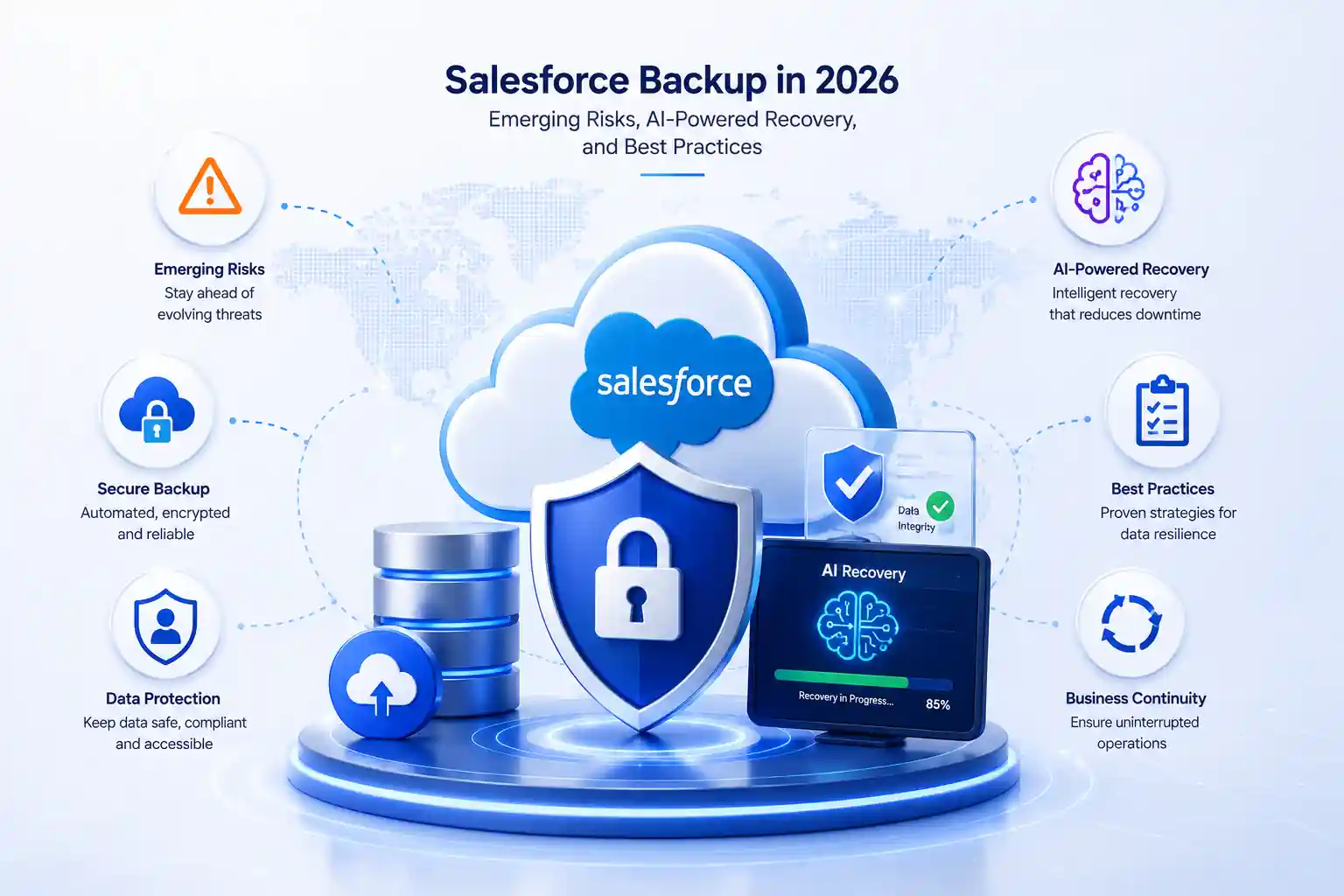
Salesforce Backup in 2026: Emerging Risks, AI-Powered Recovery, and Best Practices
Why Salesforce Data Loss Is More Common Than Most Organizations Realize
Salesforce outages rarely result from platform failures. Salesforce maintains strong infrastructure reliability and availability. Most data loss incidents originate from within the organization itself.
Accidental deletion remains one of the leading causes. An administrator performing a bulk update may apply an incorrect filter and remove thousands of active records. A service team member may unintentionally modify or close records that should remain active. These situations occur more frequently than many organizations expect.
Integration failures create another category of risk. Salesforce often connects with ERP systems, marketing platforms, customer data platforms, and other business applications. Many organizations also rely on cloud ERP hosting environments to support finance, procurement, and operational workloads. When an integration experiences an API error, schema mismatch, or configuration issue, corrupted data can spread across multiple systems before the problem is detected.
Metadata changes present an equally important challenge. Updates to validation rules, workflows, permission sets, page layouts, or automation processes take effect immediately. If a change produces unintended consequences, restoring the previous configuration may be difficult without a dedicated metadata backup.
Security threats add further complexity. A compromised administrator account can provide attackers with broad access to records, configurations, and sensitive information. Attackers increasingly target SaaS applications because administrative access can create significant business disruption in a short period of time.
Salesforce Backup Is More Than Protecting Records
A common mistake in many backup strategies is focusing only on record data such as accounts, contacts, leads, opportunities, and cases.
A Salesforce environment consists of both data and configuration.
The data layer includes records, files, attachments, custom objects, and relationships between records. The configuration layer consists of metadata that controls how the platform functions. This includes validation rules, flows, workflow rules, page layouts, approval processes, permission sets, custom fields, and sharing rules.
Both layers are essential.
An organization may successfully restore records after a data loss event, but if the underlying configuration cannot be restored, users may still experience operational issues. Validation rules may behave differently, automation may fail, and permissions may no longer align with business requirements.
As Salesforce environments mature, the importance of Salesforce metadata backup continues to grow. Every customization, automation workflow, and integration expands the configuration footprint that must be protected.
Organizations that evaluate backup coverage based only on record protection often discover significant gaps when recovery becomes necessary.
Salesforce Backup and Recovery Best Practices for 2026
Automate Backups
Protect Metadata Explicitly
Validate Recoverability
Align Retention Policies with Compliance Requirements
Monitor Backup Coverage
Secure Backup Storage
Test Recovery Procedures
Integrate Salesforce into Broader Disaster Recovery Planning
The Shift from Backup Monitoring to Recovery Readiness
Traditional backup monitoring focuses on whether a backup job completed successfully. While useful, this information provides only a partial picture.
Recovery readiness focuses on more practical questions:
- 01Can the organization restore data today?
- 02Are all critical objects protected?
- 03Has metadata been captured correctly?
- 04Are retention policies sufficient?
- 05How long would recovery actually take?
Many organizations discover gaps when they begin evaluating recovery readiness. New custom objects may not be protected. Metadata changes may fall outside backup policies. Recovery procedures may not reflect the current environment.
Identifying these issues before an incident occurs provides an opportunity to address them proactively rather than during a crisis.
How AI Is Transforming Salesforce Backup
Modern Salesforce environments can include hundreds of objects, thousands of automation components, multiple integrations, and extensive configuration layers. Monitoring all of these areas manually becomes increasingly difficult.
AI-powered capabilities help organizations improve visibility and reduce risk.
AI risk detection continuously evaluates backup environments for coverage gaps, metadata risks, retention policy issues, and configuration inconsistencies.
Backup coverage analysis identifies new Salesforce assets that may not be included in backup policies, helping organizations maintain protection as environments evolve.
Metadata intelligence tracks changes to flows, validation rules, page layouts, permission sets, and workflows, creating a historical record that supports both operational troubleshooting and compliance efforts.
AI anomaly detection identifies unusual activity patterns, including large-scale record deletions, abnormal backup behavior, and unexpected data growth. Early visibility allows teams to investigate before significant damage occurs.
AI-driven analytics in Salesforce data backup platforms can also provide recovery recommendations based on the nature of a data loss event, available recovery points, and the scope of restoration required.
These capabilities do not replace administrators or automate critical decisions. Instead, they provide better visibility and decision support, helping IT teams manage increasingly complex environments more effectively.
What to Look for in the Best Salesforce Backup Solution
- 01Automated Backup for Data and Metadata
The solution should protect both records and metadata while automatically adapting to changes in the Salesforce environment. - 02Point-in-Time Recovery and Granular Restore
The ability to restore individual records, objects, or metadata components to a specific point in time is often more valuable than performing a full-environment recovery. - 03Comprehensive Metadata Protection
Evaluate how deeply the solution protects metadata. Coverage should include validation rules, flows, permission sets, approval processes, page layouts, and sharing configurations. - 04Recovery Readiness Visibility
The best Salesforce backup solution provides insight into recovery readiness, coverage gaps, compliance status, and overall backup health. - 05Compliance Support
Organizations subject to GDPR, HIPAA, SOC 2, or ISO 27001 should assess whether the solution supports retention requirements, audit logging, reporting, and access controls. - 06Evaluating Salesforce Backup Pricing
Price should be one factor in the decision, not the primary factor. The financial impact of an unsuccessful recovery often far exceeds the difference between backup solution costs. Recovery capabilities, metadata protection, compliance support, and coverage completeness typically deliver greater long-term value than choosing the lowest-cost option.
Building a Secure Salesforce Backup Strategy
A secure Salesforce backup solution for compliance requires more than encryption and scheduled backups. It should be integrated into broader governance, security, and compliance programs.
Organizations subject to GDPR must support retention requirements, data access requests, and historical record management.
Healthcare and life sciences organizations operating under HIPAA requirements need strong encryption, access controls, audit logging, and secure handling of protected information.
SOC 2 and ISO 27001 audits increasingly evaluate backup and recovery practices as part of broader security assessments. Automated, documented, and tested recovery processes help organizations demonstrate compliance more effectively.
Salesforce data protection should also be aligned with the wider technology ecosystem. Recovery efforts often involve ERP platforms, marketing systems, customer support applications, and analytics environments. A coordinated strategy helps maintain consistency across interconnected systems.
Conclusion
The future of Salesforce backup is not defined by the number of backups an organization creates. It is defined by the organization's ability to recover quickly, accurately, and confidently when data loss occurs.
Achieving that goal requires protecting metadata alongside records, validating recovery processes regularly, monitoring backup coverage continuously, and aligning backup practices with compliance and disaster recovery requirements.
AI-powered capabilities are helping organizations improve visibility, identify risks earlier, and strengthen recovery readiness. However, the fundamentals remain unchanged: automated backups, metadata protection, tested recovery procedures, retention management, and secure backup storage.
Organizations evaluating Salesforce backup software should focus on recoverability, coverage completeness, metadata protection, compliance alignment, and operational resilience. Those factors ultimately determine whether a backup strategy will perform as expected when it matters most.
FEATURED BY
Google Cloud
Vast Edge's live recovery interface for cloud backups was highlighted by Google Cloud.
Vast Edge, built on GCP, launches the first live recovery interface for cloud backups, enabling IT teams to inspect, search, preview and validate the exact data available for restore.
Jul 27 – Jul 31
Vast Edge, built on GCP, launches the first live recovery interface for cloud backups, enabling IT teams to inspect backup contents in real time. This transforms backups from a blind, log-based process into an interactive platform where teams can instantly search, preview, and validate the exact data available for restore.
This platform protects Google Workspace, NetSuite, Salesforce, Workday and many SaaS environments, providing complete visibility and enterprise-grade oversight.
Visit Vast Edge Backup & Disaster Recovery and get a free trial of their backup solutions on the GCP Marketplace for Google Workspace Backup, NetSuite Backup, Salesforce Backup, and Workday Backup.
Search
Find your data instantly
Preview
View before you restore
Validate
Ensure the right data
Recover
Restore with confidence