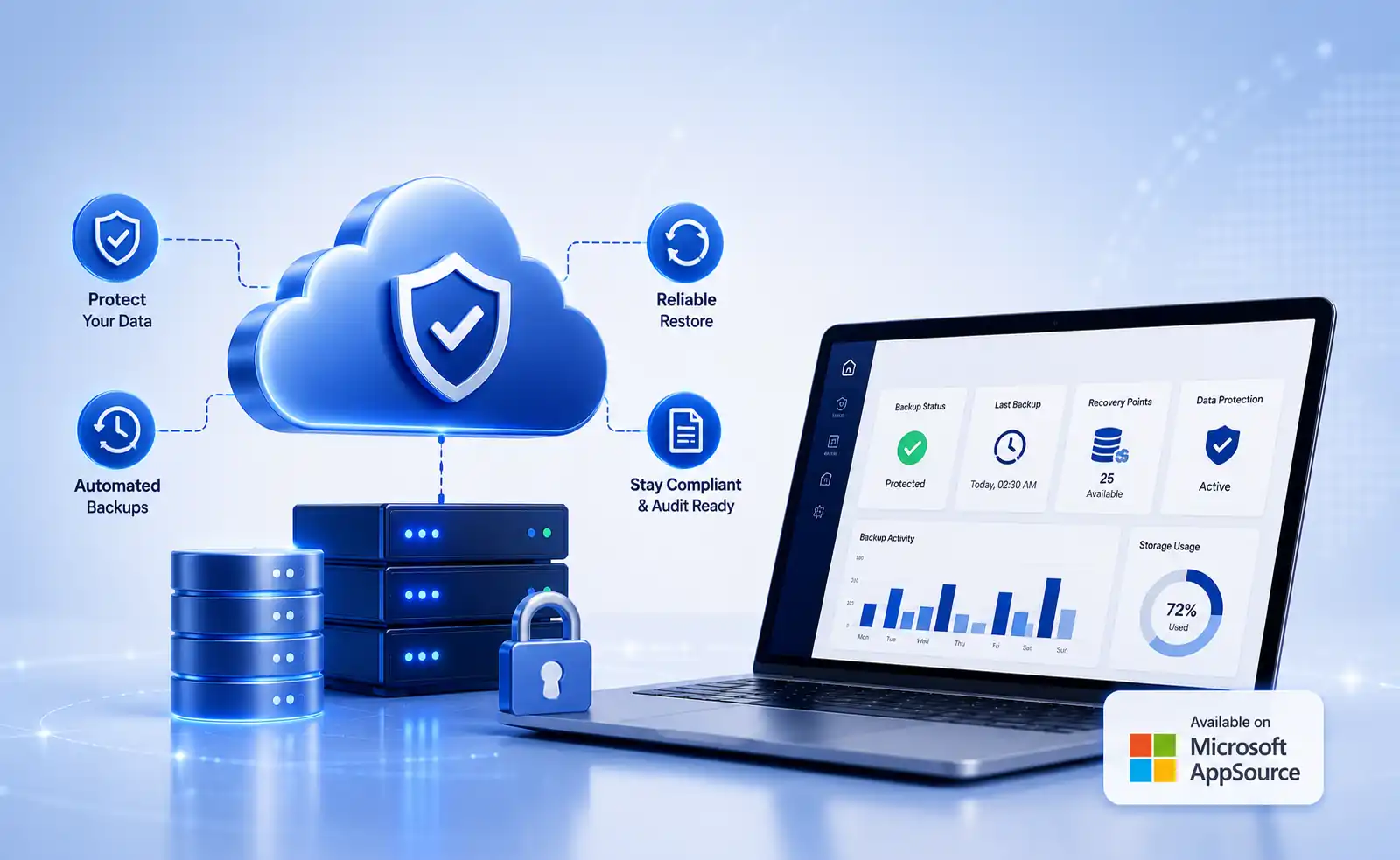
Enterprise software buyers increasingly prefer marketplace-based procurement because it simplifies vendor evaluation, security reviews, purchasing workflows, and deployment. Microsoft AppSource has become a trusted destination for organizations looking to evaluate business applications that integrate with the Microsoft ecosystem.
For organizations researching NetSuite backup software, marketplace availability provides a more transparent way to compare vendors, review capabilities, and streamline procurement processes. This guide explains what buyers should evaluate when selecting a NetSuite backup platform and how Microsoft AppSource helps simplify that process.
How Microsoft AppSource Simplifies NetSuite Backup Software Evaluation
Last Updated • 8 Oct 2026
C
AuthorChloe Gallagher
Why Organizations Are Evaluating NetSuite Backup Software More Closely
NetSuite has become the operational foundation for finance, procurement, inventory management, billing, and reporting across thousands of organizations.
As reliance on ERP systems continues to grow, organizations are placing greater emphasis on:
As reliance on ERP systems continues to grow, organizations are placing greater emphasis on:
- Data protection
- Recovery readiness
- Compliance requirements
- Long-term data retention
- Business continuity planning
Events such as accidental record deletion, failed integrations, workflow configuration issues, sandbox refreshes, and ERP migration projects can all create situations where access to historical data becomes important.
As a result, backup software has become an increasingly important component of ERP governance and risk management strategies.
How Enterprise Buyers Research Software Today
The way organizations purchase software has changed significantly over the last few years.
Many procurement teams now prefer to begin their evaluation process through trusted software marketplaces rather than traditional vendor outreach. Marketplaces help buyers quickly identify relevant solutions, compare providers, review security information, and accelerate internal approval processes.
When evaluating NetSuite-related solutions, organizations often look for:
Security and Compliance Transparency
Organizations increasingly review security certifications, compliance programs, and governance practices early in the evaluation process, especially for applications that manage business-critical data.
Vendor Credibility
Buyers want confidence that a vendor has experience supporting enterprise applications, cloud environments, and long-term customer success.
Deployment Simplicity
Software that can be evaluated, approved, and deployed through established procurement channels often reduces the effort required for implementation and vendor onboarding.
Integration Alignment
Organizations frequently prefer solutions that fit within their existing technology ecosystem, helping simplify administration, authentication, reporting, and user adoption.
Long-Term Vendor Viability
Enterprise software investments are typically evaluated beyond immediate requirements. Buyers often consider vendor stability, product roadmap, support capabilities, and ongoing innovation before making purchasing decisions.
Why Microsoft AppSource Matters for Enterprise Buyers
Microsoft AppSource provides organizations with a centralized marketplace for discovering, evaluating, and procuring business software solutions.
For software buyers, marketplace availability offers several advantages.
For software buyers, marketplace availability offers several advantages.
- Faster Vendor Discovery
Organizations can identify relevant solutions without conducting extensive independent research. - Improved Procurement Efficiency
AppSource helps streamline software evaluation and purchasing workflows by providing centralized product information. - Greater Transparency
Buyers can review solution details, capabilities, deployment information, and vendor credentials before beginning a formal evaluation process. - Integration Confidence
Organizations already operating within Microsoft ecosystems often prefer solutions available through trusted Microsoft marketplaces.
Common Misconceptions About NetSuite Data Protection
"NetSuite Availability Means Recovery Is Automatically Covered"
Application availability and customer-controlled recovery are different operational requirements. Organizations should understand how recovery processes work and what recovery capabilities are available when evaluating backup platforms.
"Periodic Data Exports Are Enough"
Data exports can support reporting requirements, but they may not provide the recovery flexibility organizations need when responding to data loss events, configuration issues, or operational mistakes.
"Backup and Recovery Are the Same Thing"
Backup creates recoverable copies of data. Recovery focuses on how quickly and accurately business operations can be restored when needed.
Why Marketplace Availability Supports Better Software Decisions
Enterprise software selection involves more than product features.
Organizations often evaluate:
Organizations often evaluate:
- 01Vendor credibility
- 02Security posture
- 03Compliance support
- 04Product maturity
- 05Deployment options
- 06Long-term support capabilities
Marketplace availability helps consolidate much of this information into a single evaluation process, allowing buyers to compare options more efficiently.
For organizations researching NetSuite backup software, Microsoft AppSource can serve as a useful starting point during vendor evaluation.
Additional Resources
In July 2026, Vast Edge announced the availability of its NetSuite Backup & Restore Solution on Microsoft AppSource. The announcement highlighted automated backup, recovery capabilities, compliance support, encryption, audit reporting, and long-term retention features available through the platform.
Read the full announcement:
Vast Edge NetSuite Backup & Restore Solution Now Available in Microsoft AppSource
If you're evaluating ERP data protection strategies, the following resources may also be helpful: Learn how organizations improve recovery readiness, establish recovery objectives, and validate recovery processes. Understand why organizations invest in backup strategies to support compliance, business continuity, and long-term data retention.📚 Continue Your ResearchContinue Your Research
🛡️NetSuite Disaster Recovery Best Practices
💾The Importance of NetSuite Backup
🚀NetSuite Backup & Restore Solution
Explore automated backup, granular recovery, compliance retention, audit visibility, and business continuity capabilities.Explore Solution →
Loading...
FEATURED BY
Google Cloud
Vast Edge's live recovery interface for cloud backups was highlighted by Google Cloud.
Vast Edge, built on GCP, launches the first live recovery interface for cloud backups, enabling IT teams to inspect, search, preview and validate the exact data available for restore.
Google Cloud
Jul 27 – Jul 31
•
Vast Edge, built on GCP, launches the first live recovery interface for cloud backups, enabling IT teams to inspect backup contents in real time. This transforms backups from a blind, log-based process into an interactive platform where teams can instantly search, preview, and validate the exact data available for restore.
This platform protects Google Workspace, NetSuite, Salesforce, Workday and many SaaS environments, providing complete visibility and enterprise-grade oversight.
Visit Vast Edge Backup & Disaster Recovery and get a free trial of their backup solutions on the GCP Marketplace for Google Workspace Backup, NetSuite Backup, Salesforce Backup, and Workday Backup.
Search
Find your data instantly
Preview
View before you restore
Validate
Ensure the right data
Recover
Restore with confidence